Lost signal at a property? No problem. Roomio lets you complete a full scan without an internet connection, save it to your device, and order your floor plan when you're back online.
How it works
- Scan as normal. Capture the property the way you usually would.
- Tap Complete Scan when you've finished.
- Choose Order Later. This saves the completed scan to your device, no internet required.
Ordering your floor plan later
When you're back on a stable connection:
- Open Roomio and go to Saved Scans.
- Select the scan you want to submit.
- Tap Order Now and complete checkout as usual.
We recommend Wi-Fi for the fastest upload, especially on larger properties.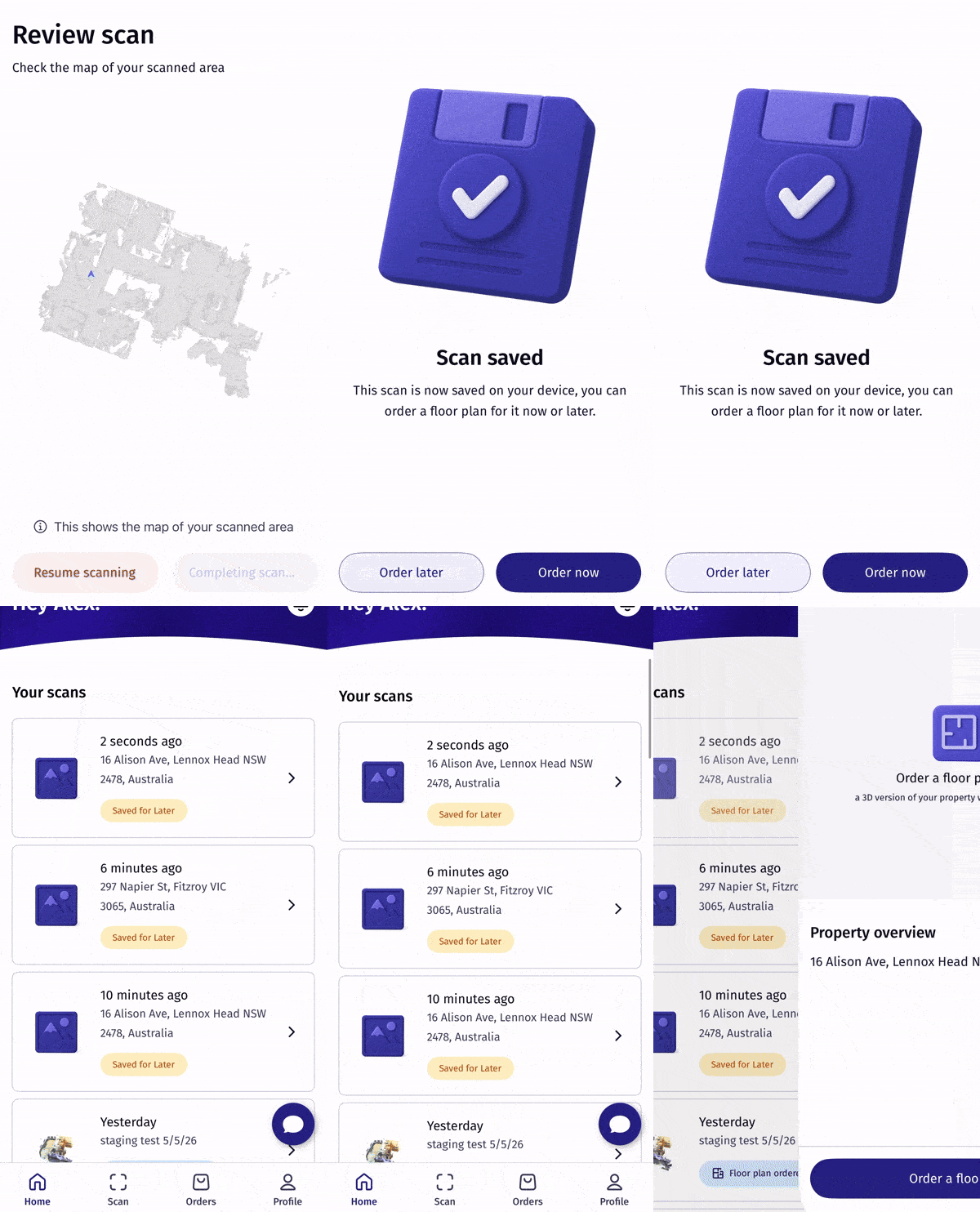
Was this article helpful?
That’s Great!
Thank you for your feedback
Sorry! We couldn't be helpful
Thank you for your feedback
Feedback sent
We appreciate your effort and will try to fix the article